













Product Introduction
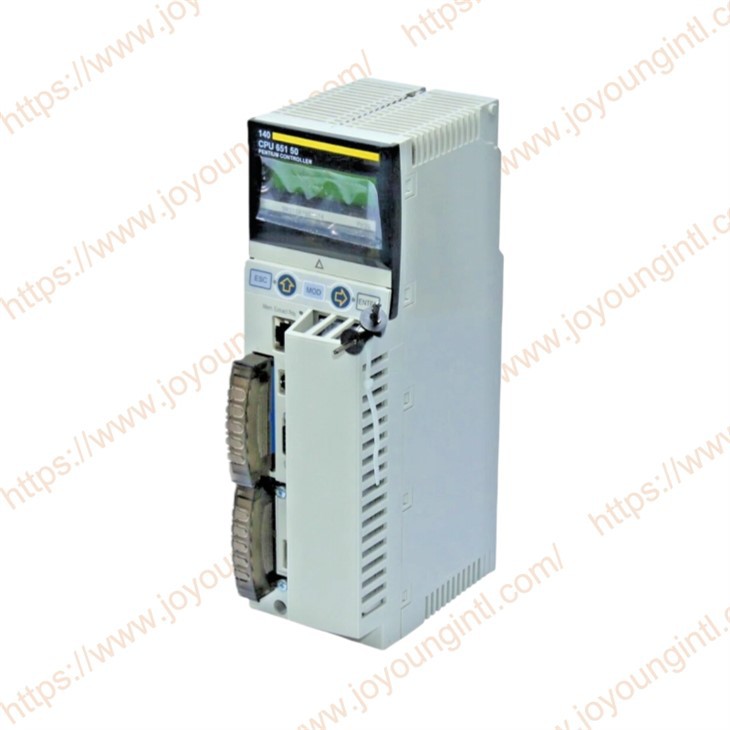
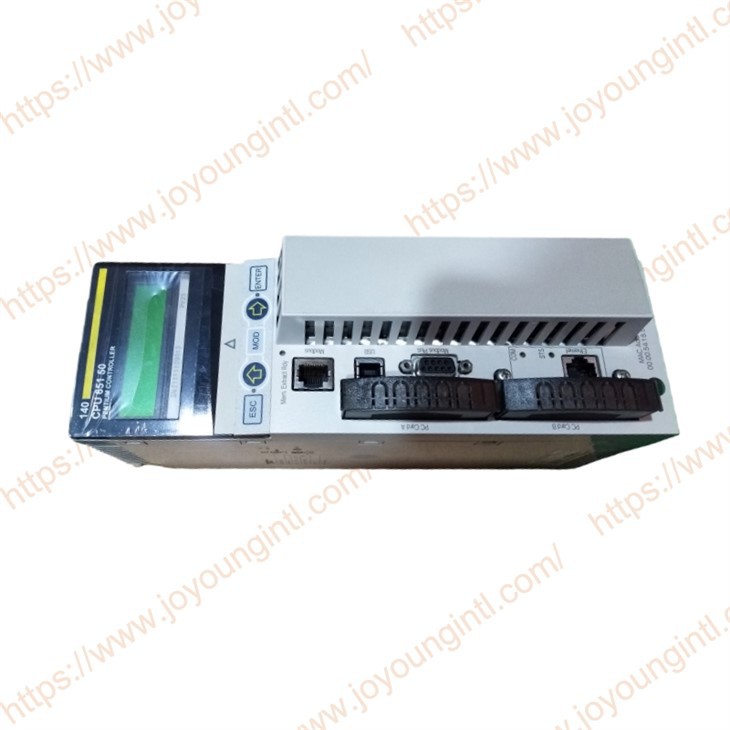
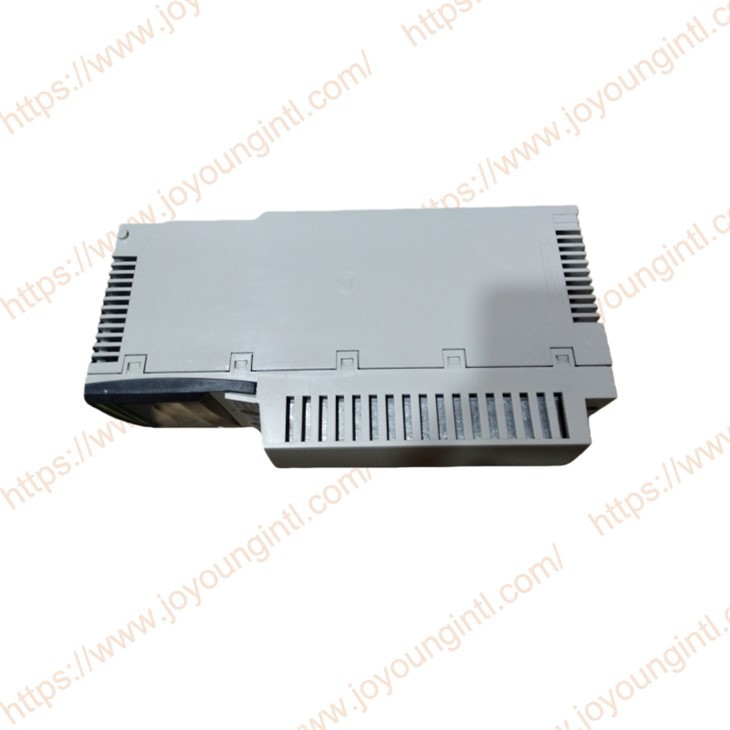
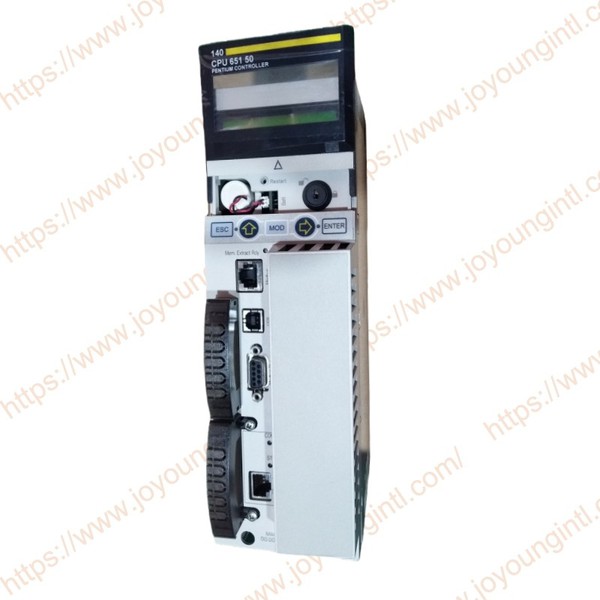
The 140CPU65150 is a Unity Processor in the Schneider Electric Modicon Quantum series, specifically designed for industrial automation systems. This processor is designed to meet the demands of various automation applications, suitable for medium to large-scale control systems, and capable of providing precise control functions in real-time data processing, process control, and equipment management.
Technical Specifications
|
Brand |
Schneider |
|
Model |
140CPU65150 |
|
Part Number |
140CPU65150 |
|
Description |
Unity Processor |
|
Origin |
France |
|
Dimension |
18*13*5cm |
|
Weight |
0.55kg |
Product Details
140CPU65150 Unity Processor Main features
1. Modular design
It adopts a modular architecture, allowing users to select expansion modules based on actual needs, achieving flexible system configuration and supporting a variety of digital and analog I/O modules.
2. Supports multiple communication protocols
Supports communication protocols such as Modbus TCP/IP, Ethernet/IP, Profibus DP, and Modbus RTU, facilitating integration with other devices and systems.
It provides multiple communication ports (such as Ethernet, RS-232, RS-485), supporting seamless communication with various field devices, SCADA systems and upper computers.
3 . Unity Pro programming environment support
Compatible with Unity Pro software, it can be developed using multiple programming languages such as Ladder Diagram (LD), Function Block Diagram (FBD), and Structured Text (ST).
It complies with the IEC 61131-3 standard, supports the realisation of multiple control tasks, and meets the specific needs of users.
4. Integrated diagnostic function
It offers built-in real-time diagnostic and fault detection functions, which can help users quickly identify system faults and provide detailed error reports, facilitating rapid problem location.
5 . High reliability
High-quality components are adopted, and the design fully takes into account the high load and harsh working conditions in industrial environments. The module performs stably in environments such as high temperature, humidity and vibration.
6.Remote monitoring and control function
Supports remote monitoring and control. Users can access the device status, data and alarm information through the network, facilitating remote operation and maintenance.
140CPU65150 Modicon Quantum Unity Processor Product Specifications
| Specification | Details |
|---|---|
| Processor Type | 32-bit Processor |
| Memory | - Program Memory: Max. 8 MB- Data Memory: Max. 4 MB |
| Communication Ports | - Ethernet (10/100 Mbps)- RS-232 Serial Port- RS-485 Serial Port (Modbus RTU)- Profibus DP |
| Supported Protocols | Modbus TCP/IP, Ethernet/IP, Modbus RTU, Profibus DP |
| I/O Expansion Support | Supports Digital I/O, Analog I/O, Remote I/O Module Expansion |
| Power Supply | 24 V DC |
| Operating Temperature Range | 0°C to +60°C |
| Storage Temperature Range | -25°C to +70°C |
| Ingress Protection | IP20 |
| Redundancy | Supports Redundancy Configuration |
| Programming Languages Supported | IEC 61131-3: Ladder Diagram (LD), Function Block Diagram (FBD), Structured Text (ST) |
140CPU65150 Unity Processor Installation and Maintenance
Installation method
DIN rail mounting: This module adopts standard DIN rail mounting and is suitable for most industrial control cabinets and distribution boxes. Users can install it conveniently in a standard industrial control environment.
Wiring requirements: Use cables and connectors that meet industrial standards for wiring to ensure all connections are firm and avoid malfunctions caused by poor contact.
Installation location: It should be installed in a dry and well-ventilated place, avoiding the influence of high temperature, moisture and dust.
Maintenance suggestions
Regular inspection: Regularly inspect the power supply and communication lines to ensure there is no looseness or damage.
Clean the module: Keep the surface of the module clean. You can use a clean cloth or compressed air for cleaning to avoid dust affecting heat dissipation.
System diagnosis: Use the built-in diagnostic tools of the system to regularly check the status of the modules, fault logs and alarm information to ensure the healthy operation of the system.
Update firmware: Regularly check the firmware version of the module and update it when necessary to maintain the best performance and security of the module.
If you have any order needs, please feel free to contact us