IC695ACC400 is an energy pack module for the GE PACSystem RX3i platform. It is mainly used to provide power to controller modules such as CPE305 and CPE310 when power is off, allowing the CPU to transfer the contents of random access memory (RAM) to non-volatile (Flash) memory, preventing user programs and data from being erased unnecessarily, improving system availability, and reducing downtime. It is specifically designed for use with the GE RX3i CPE302 CPU, GE RX3i CPE305 CPU, and GE RX3i CPE310 CPU.
Technical Specifications
Manufacture
GE
Model
IC695ACC400
Part Number
IC695ACC400-AA
IC695ACC400-CA
Description
Rx3i PAC System Energy Pack
Origin
USA
Dimension
14*12*3cm
Weight
0.2kg
Product Details
The PACSystems* RX3i IC695ACC400 Energy Pack is intended for use with one of the following RX3i CPUs: CPE302, CPE305, or CPE310. It is not compatible with any other CPUs.
In the event of loss of system power, the Energy Pack maintains power long enough for the CPU to write its user memory contents to non-volatile storage (flash) memory.
The Energy Pack is mounted on the left side of an RX3i module and is connected to the CPU using cable IC695CBL001. While the system is powered up, the Energy Pack charges from the RX3i 24 Vdc rail via the I695CBL001 cable that connects the CPU to the Energy Pack. The Energy Pack is compliant with EU RoHS Directive 2011/65/EU using the following exemptions identified in the Annex: 7(a), 7(c)-I and III.
Ordering Information:
RX3i CPU Energy Pack IC695ACC400
Energy Pack Cable, 3 ft. (0.91m) IC695CBL001
Installation
How to use the IC695ACC400 Energy Pack module
The IC695ACC400 Energy Pack is mounted on the left side of an RX3i module. To avoid taking up a backplane slot, it should be mounted on the module (usually a power supply) in slot 0 of the rack. It is connected to the CPU by cable IC695CBL001.
Note that, when mounted on a module in slot 0, the Energy Pack will extend approximately 13mm (0.5") beyond the left side of the backplane.
To install the Energy Pack:
1. Engage the top mounting hooks on the frame of the Energy Pack module as shown in Figure 3.
2. Rotate the bottom of the Energy Pack into place, engaging the bottom hooks. The latch will snap into place.
3. Connect the IC695CBL001 cable from the connector on the bottom of the Energy Pack (Figure 2) to the corresponding connector on the bottom of the CPU.
When the Energy Pack is powered up for the first time or is in a system that has been powered down long enough to completely discharge the Energy Pack, it may require a few seconds for it to charge to its operating level. The Energy Pack will report a Charging state to the CPU during this time.
The Energy Pack provides the following status information to the CPU, which the CPU uses to generate LED indications and fault messages.
Notes and Maintenance Suggestions
To extend the service life of IC695ACC400 and ensure the stable operation of the system, please follow the following suggestions:
1. Regularly check the status of the modules
Although the Energy Pack can charge automatically, it is still very important to regularly diagnose and monitor its status through the PLC system. Especially in the following cases:
✔ In cases where the system frequently experiences power outages;
✔ In environments with high temperatures or significant vibrations;
✔ Before restarting after a long period of inactivity.
Diagnostic checks can prevent data write failures caused by tadecrease in the capacity of the Energy Pack.
2. Environmental temperature affects lifespan
The typical operating temperature range of the Energy Pack is 0 ℃ to 60 ℃. In environments with higher temperatures, its service life may be shortened. Suggestion:
Avoid placing the module in a high-temperature environment.
Maintain good ventilation in the control cabinet or install cooling facilities.
Prevent the module from operating in a high-temperature and high-humidity environment for an extended period.














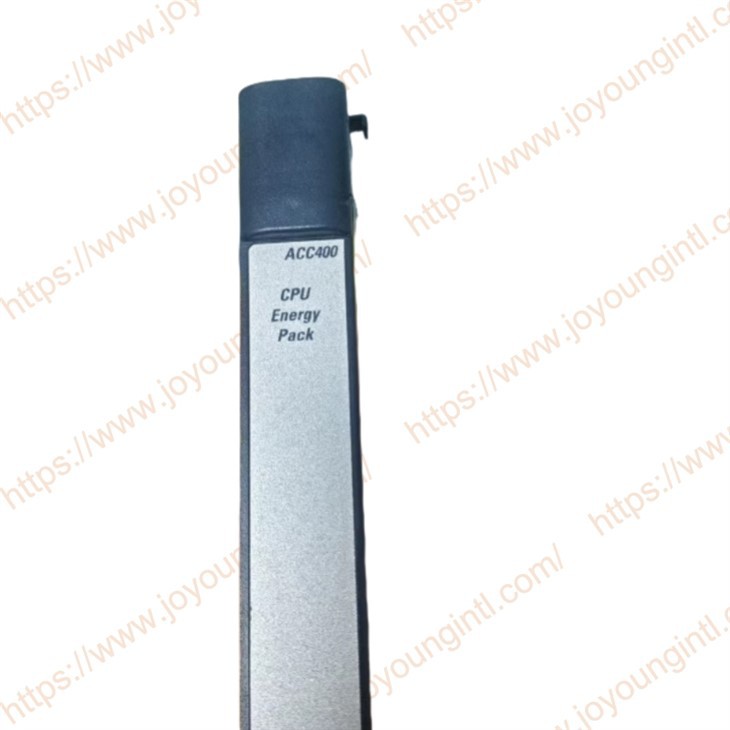
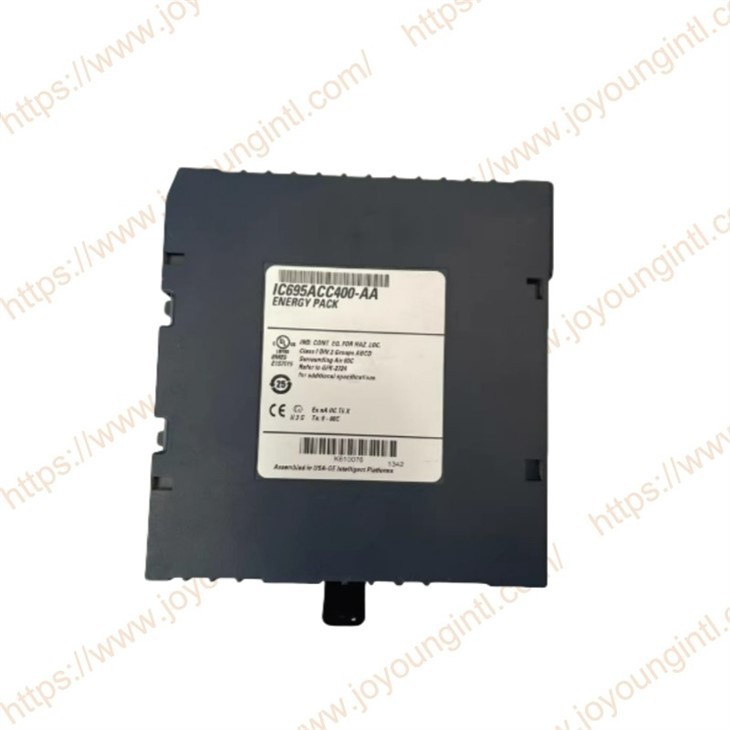
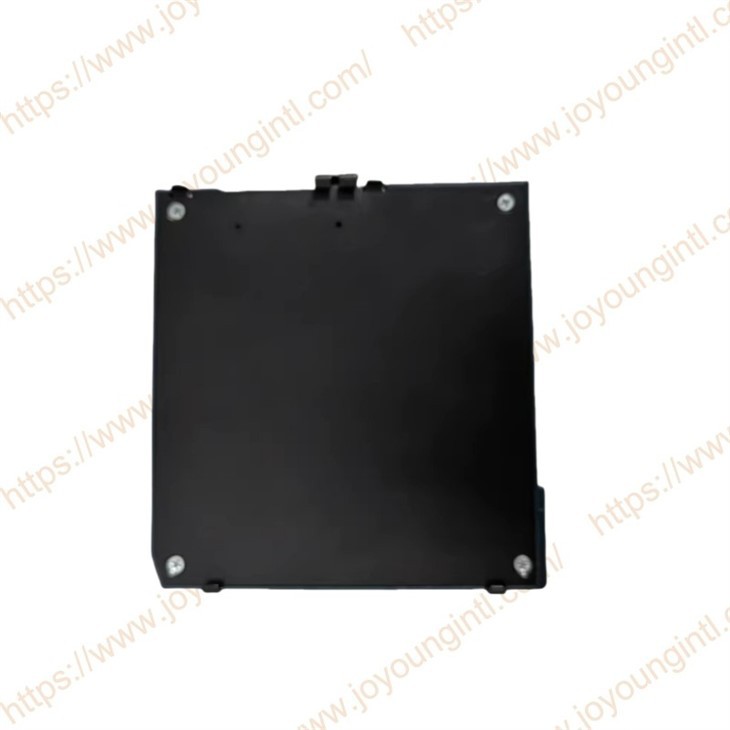
 The PACSystems* RX3i IC695ACC400 Energy Pack is intended for use with one of the following RX3i CPUs: CPE302, CPE305, or CPE310. It is not compatible with any other CPUs.