













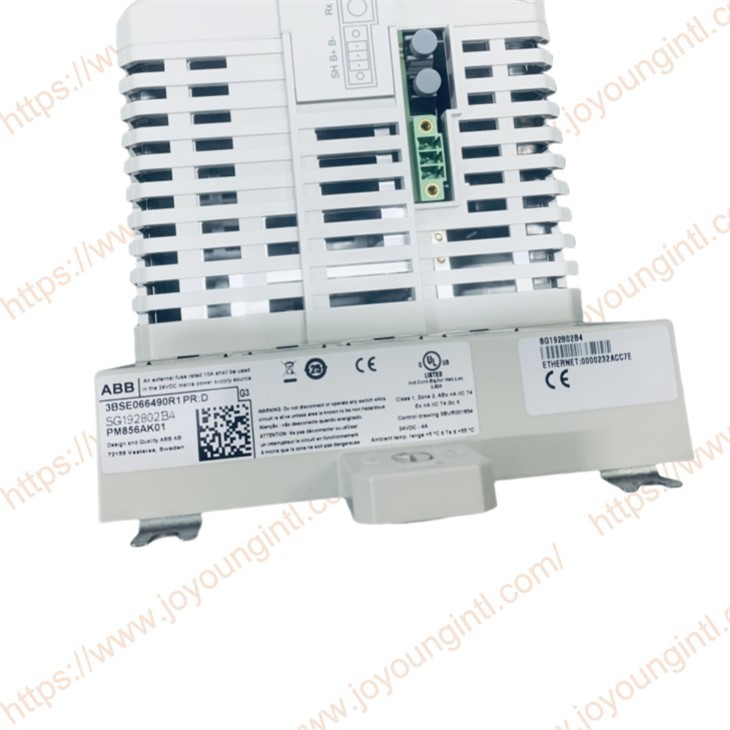
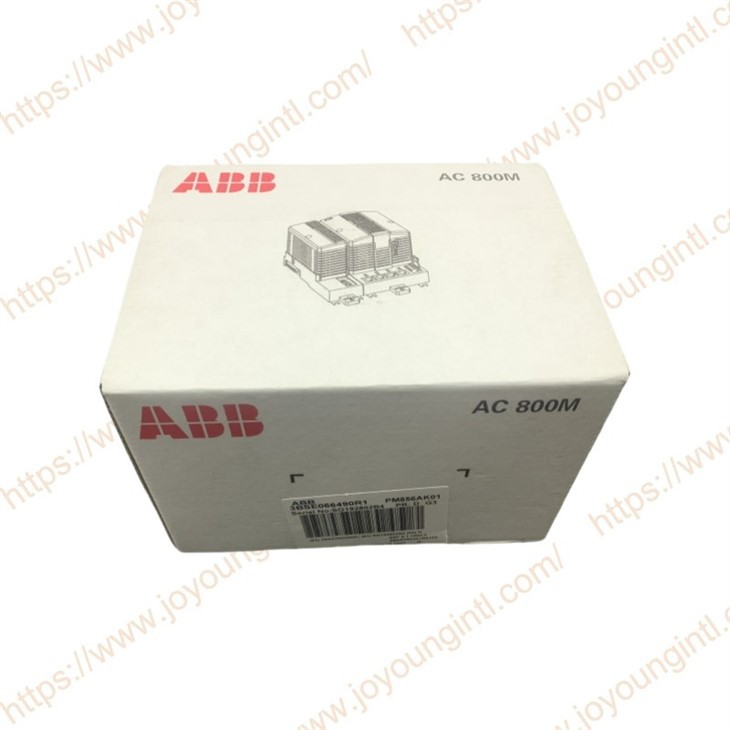
Product Introduction
Technical Specifications
|
Manufacture |
ABB |
|
Model |
PM856AK01 |
| Part Number | 3BSE066490R1 |
|
Description |
Processor Unit |
|
Origin |
Sweden |
|
Dimension |
21*16*14cm |
|
Weight |
1.1kg |
Product Details
PM856AK01 3BSE066490R1 Features and benefits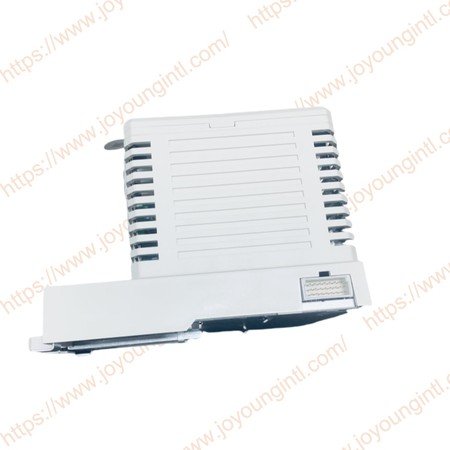
1.Reliability and simple fault diagnosis procedures
2.Modularity, allowing for step-by-step expansion
3.IP20 Class protection without the requirement for enclosures
4.The controller can be configured with 800xA control builder
5.The controller has full EMC certification
6.Hardware based on standards for optimum communication connectivity (Ethernet, PROFIBUS DP, etc.)
Long Description:
24MHz and 16MB
Package including:
- PM856A, CPU
- TP830, Baseplate
- TB850, CEX-bus terminator
- TB807, ModuleBus terminator
- Battery for memory backup (4943013-6)
- No license included
 PM856AK01 is a processor unit of ABB, usually installed in the AC 800M system.
1. Preparation before installation:
Confirm that accessories are complete: Check whether the PM856AK01 processor unit and related accessories are complete, including possible mounting rails, screws and other accessories, to ensure that there is no damage or missing.
Cut off the power supply: To avoid the risk of electric shock or equipment damage during installation, be sure to cut off all related power supplies of the equipment to be installed.
Wear anti-static equipment: Since the processor unit is sensitive to static electricity, the installer needs to wear an anti-static wristband or take other anti-static measures to prevent static electricity from damaging the components.
2. Installation location selection:
Space requirements: Select a location in the control cabinet with good ventilation, suitable temperature, and sufficient space to facilitate heat dissipation and subsequent maintenance. The size of PM856AK01 is 119 mm × 186 mm × 135 mm. It is necessary to ensure that the installation location can accommodate the module and reserve a certain amount of surrounding space.
Avoid interference: Stay away from strong electromagnetic interference sources, such as large motors, transformers, etc., to prevent electromagnetic interference from affecting the normal operation of the processor unit. At the same time, keep a certain distance from the heating components to avoid excessive operating temperature.
3. Post-installation inspection and testing:
Check the wiring: Carefully check all connecting cables to ensure that there is no looseness, falling off, or wrong connection, especially the power wiring and communication cables, to ensure that the connection is firm and the polarity and interface are correct.
Power-on test: After confirming that the wiring is correct, turn on the power and observe the indicator light status on the PM856AK01 module. Under normal circumstances, the power indicator light should light up as required. You can use relevant programming software or monitoring equipment to check whether the module can communicate and work normally, check whether its operating status is normal, and check whether there is any error information.
System debugging: If the module is part of a redundant CPU controller module, it is also necessary to perform related debugging work, such as system redundancy function testing, to ensure that the system can operate stably under various working conditions.