Product Introduction
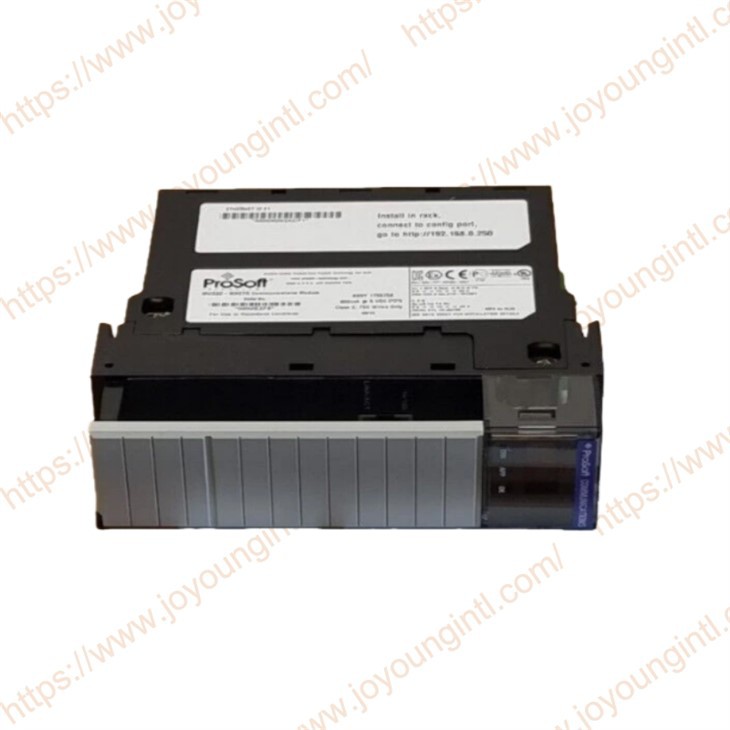
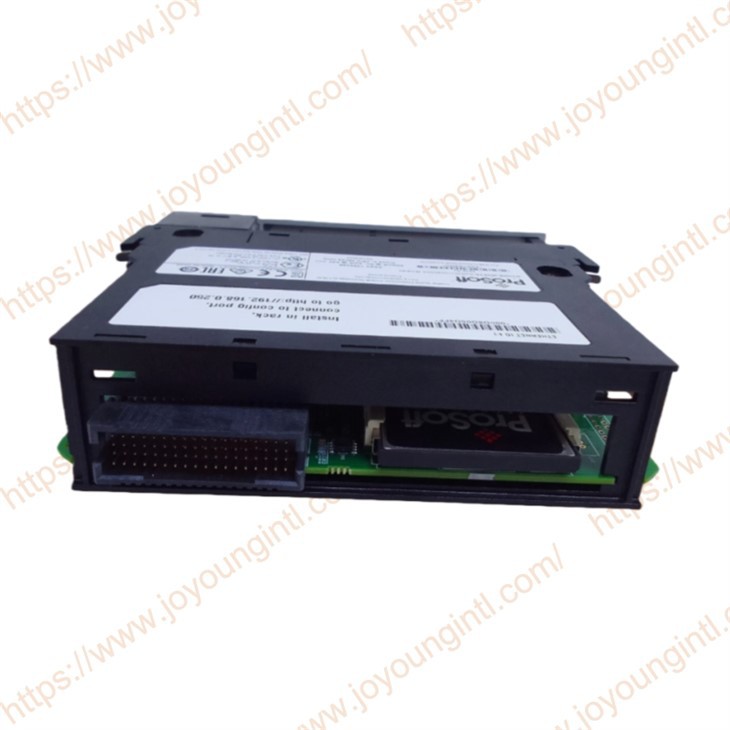
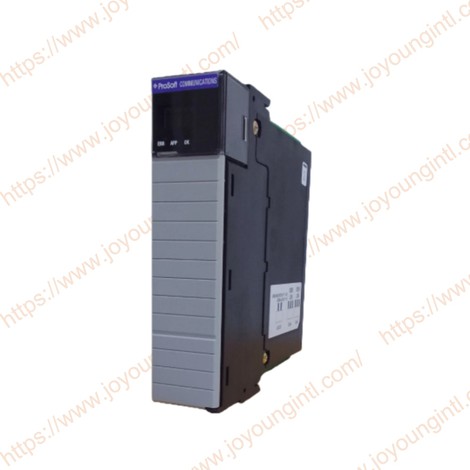
ProSoft Technology's MVI56E-MNETR-CC is a Modbus TCP/IP Client/Server enhanced network interface module designed for Rockwell Automation ControlLogix systems, enabling PLCs to communicate efficiently with devices that use the Modbus TCP/IP protocol. It is part of ProSoft's MVI56E product line and features a Reduced Data Block design, making it suitable for remote rack layouts or automation networks with strict bandwidth requirements.
Technical Specifications
|
Manufacture |
Prosoft |
|
Model |
MVI56E-MNETR |
|
PN Number |
MVI56E-MNETR-CC |
|
Description |
Modbus TCP/IP Interface Module |
|
Origin |
USA |
|
Dimension |
32*17*5cm |
|
Weight |
0.5kg |
Product Details
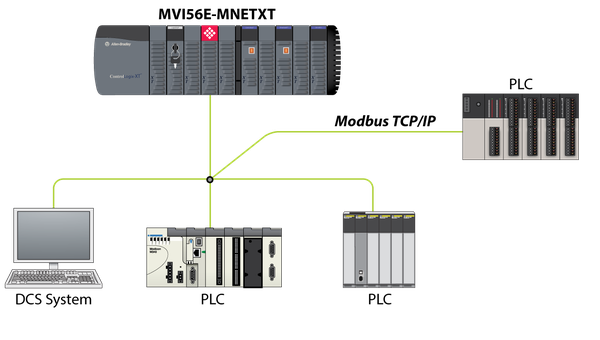
The MVI56E-MNETR-CC module integrates Modbus TCP/IP Client (master station) and Server (slave station) functions. It can serve as a bridge between the active polling device (master) and the polled devices (slaves), and is suitable for a wide range of intelligent instruments, PLCs, DCS devices, and sensors that are compatible with Modbus TCP/IP.
The main architecture of this module includes:
Modbus TCP/IP Client (Master Station)
Modbus TCP/IP Server (Slave Station)
Ethernet Application Port (10/100 Mbps RJ45)
ControlLogix Backplane I/O Slot Communication
The client can send Modbus requests (for reading and writing registers/ coils, etc.) to external devices. The server allows SCADA/DCS/upper-level systems to access the data image within ControlLogix.
The Reduced Data Block mechanism enables the data flow to be transferred between the memory and the I/O image in smaller data segment blocks, avoiding the locking transmission of large data volumes.
MVI56E-MNETR-CC is suitable for industrial automation, manufacturing, power, oil and gas, transportation, and other fields, especially where Modbus TCP/IP communication is required.
Backwards compatible, allowing direct upgrade of earlier MVI56-MNET modules without changing existing ladder logic programs or module configurations.
MVI56E-MNETXT for extreme environments, compliant with EN60079-0 and EN60079-15 standards, for use in corrosive and extreme temperature environments.
-CC Coating protects the module from corrosive or aggressive environmental factors.
Provides online or offline configuration and diagnostics through ProSoft Configuration Builder (PCB) software.
Supports special block transfer codes in ladder diagrams to obtain module status and execute special functions (command control, event commands, etc.).
The MVI56E-MNETR-CC provides 30 client connections, each with up to 16 commands, to talk to multiple servers.
Actively reads and writes data to Modbus TCP/IP devices, encapsulated using MBAP or Modbus message formats.
Transmits Modbus function codes 1, 2, 3, 4, 5, 6, 7, 1,5, and 16.
The ControlLogix processor can be programmed using special functions to control the client to execute or issue commands from a command list (command control) or assign commands directly from ladder logic (event commands).
Supports configurable floating point data movement, including support for Enron or Daniel® floating point formats.
Supports special functions (event commands, command control, status, etc.) delivered by messages (unscheduled) using the MSG instruction.
The main functions of the Prosoft MVI56E-MNETR-CC Modbus TCP/IP Interface Module
01. Module communication capability
The module supports standard Modbus function codes, including reading input/holding registers, writing a single register, writing multiple registers, etc. (depending on the specific configuration)
02 . Save network resources
ControlNet / EtherNet/IP network
Remote Rack / Remote I/O Layout
Control systems with high requirements for bandwidth and real-time performance
Data Synchronization in the Redundant ControlLogix System
0 3.Configuration and Debugging Function
ProSoft Discovery Service: Quickly locate modules in the network, facilitating the configuration of temporary IP addresses or viewing the status.
Through the CIPconnect technology of EtherNet/IP, remote configuration and diagnosis can be performed from the backup channel of ControlLogix without directly connecting to the module configuration port.
04 . Status display and diagnosis
0 5.Compatibility and replaceability
Common Questions and Precautions
For more information, please contact info@htechplc.com
01
IP and Network Configuration
The module is initially assigned a temporary IP address. A permanent IP address must be allocated through ProSoft Discovery Service or PCB.
When using CIPconnect, it is necessary to ensure that the Ethernet/IP network is connected to 1756-ENBT / 1756-CNBT.
02
BIOS / Version
Different versions of the module firmware may affect the "Supported" function or diagnostic display. It is recommended to use the latest firmware and PCB software.
03
Hardware installation
Insert the Modbus TCP/IP Interface Module into an empty slot in the ControlLogix rack.
Make sure that the backup power supply is securely connected to the back panel.
Connect the Ethernet ports of the module to the on-site Ethernet switch using CAT5/6 cables.