













Product Introduction
Technical Specifications
|
Manufacture |
ABB |
|
Model |
RETA-01
|
| Part Number | 3AFE64751727 |
|
Description |
Ethernet Adapter Module |
|
Origin |
Germany / Finland |
|
Dimension |
16*12*5cm |
|
Weight |
0.2kg |
Product Details
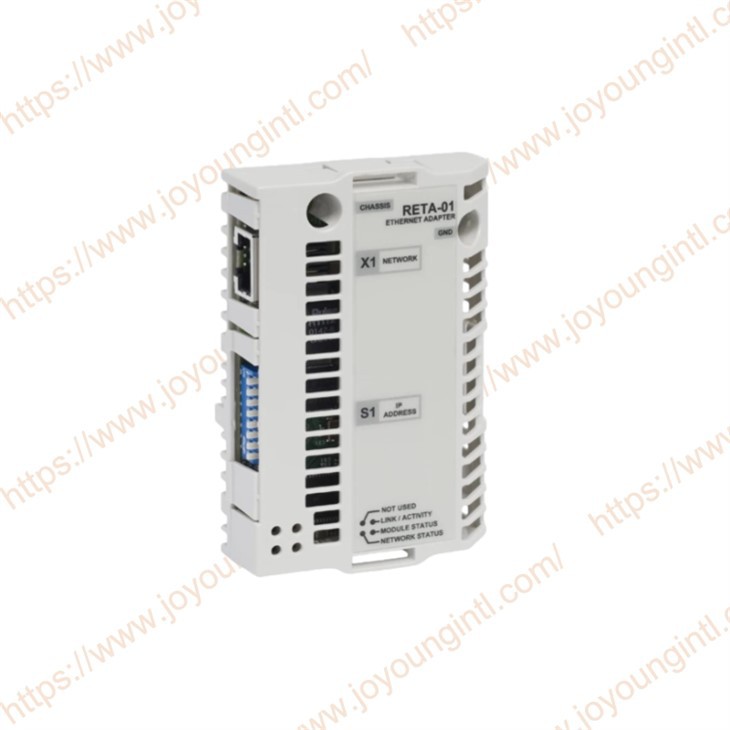
The RETA-01 64751727 Adapter module supports the Modbus/TCP and Ethernet/IP network protocols.
A parameter is an operating instruction for the drive. Parameters can be read and programmed with the drive control panel or through the RETA-01 module.
The RETA-01 is compatible with all master stations that support the Modbus/TCP and/or EtherNet/IP protocols.
Modbus/TCP is a variant of the Modbus family of simple, vendor-neutral communication protocols intended for supervision and control of automation equipment. Specifically, it covers the use of Modbus messaging in an Ethernet environment using the TCP/IP protocols. The implementation of the Modbus/TCP server in the RETA-01 module is done according to the Modbus/TCP.
The Modbus/TCP protocol allows the RETA-01 module to be used as an Ethernet bridge to control the drive. The RETA-01 module supports eight simultaneous IP connections.
The RETA-01 Ethernet Adapter module is an optional device for ABB drives, which enables the connection of the drive to an Ethernet network. The drive is considered a slave on the Ethernet network.
The option package for the RETA-01 Ethernet Adapter module contains:
*Ethernet Adapter module, type RETA-01
*two screws (M3×10)
*this manual
Quick start-up guide:
1. Preliminary preparation
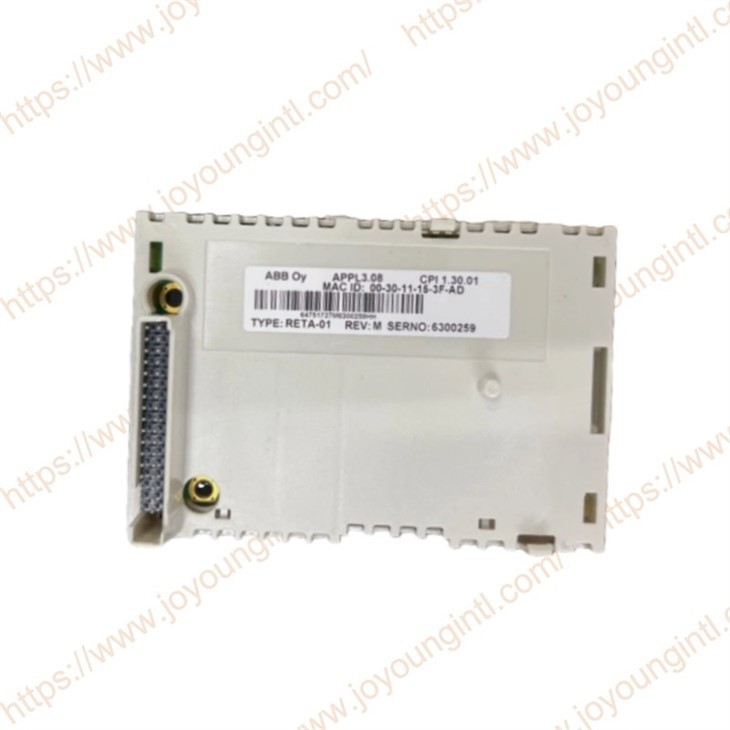
*Before installation of the module, write down the MAC ID of the module (printed on a sticker on the back of the module).
*Make sure you have the two screws for fastening the module.
2 . Mechanical installation
*Insert the RETA-01 into its specified slot in the drive (SLOT2 for ACS550, SLOT1 for ACS800).
*Fasten the two screws.
3. Electrical installation
*Connect the Ethernet cable (RJ-45 connector) to the RETA-01 module. Standard CAT 5 UTP or STP cables can be used. Avoid parallel runs with power (e.g, motor) cables.
4. Drive configuration
*Power up the drive. The ìMODULE STATUSî LED should be green. If the network cable is connected to an active network, the green ìLINK/ACTIVITYî LED should also be lit or blinking.
*The detailed procedure of activating the drive for communication with the module is dependent on the drive type. Normally, a parameter must be adjusted to activate the communication. Refer to the Firmware Manual of the drive for information on the communication settings. With an ACS550 drive, set parameter 98.02 COMM PROT SEL to EXT FBA. With an ACS800, set parameter 98.02 COMM. MODULE LINK to FIELDBUS and parameter 98.07 COMM PROFILE to ABB DRIVES or GENERIC according to the selected communication protocol and profile.
*If the configuration is correct, parameter group 51 should appear in the parameter list of the drive and show the status of the RETA-01 configuration parameters.