













Product Introduction
Technical Specifications
|
Manufacture |
ABB |
|
Model |
PP325 |
| Part Number | 3BSC690101R2 |
|
Description |
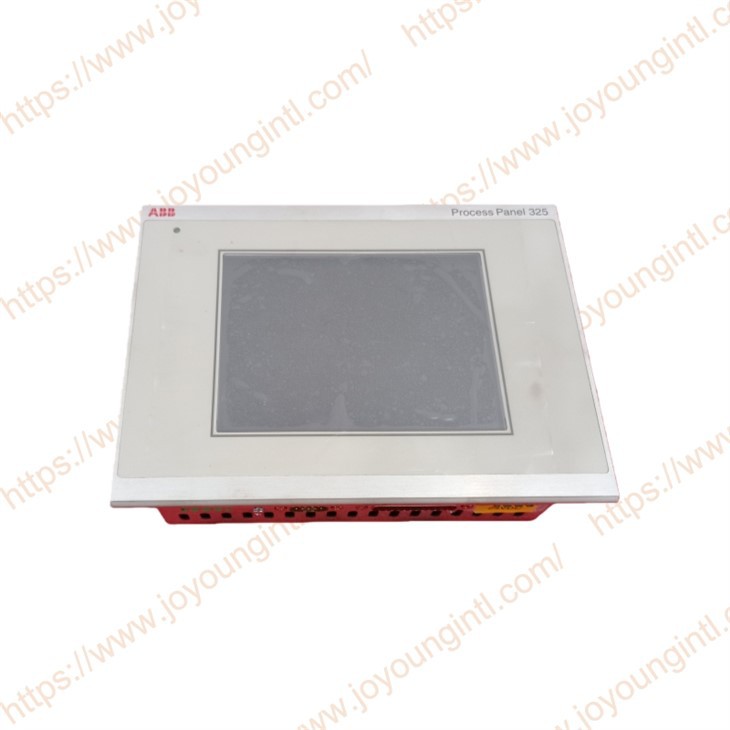
Process Panel 325 |
|
Origin |
Sweden |
|
Dimension |
16*12*5cm |
|
Weight |
0.002kg |
Product Details
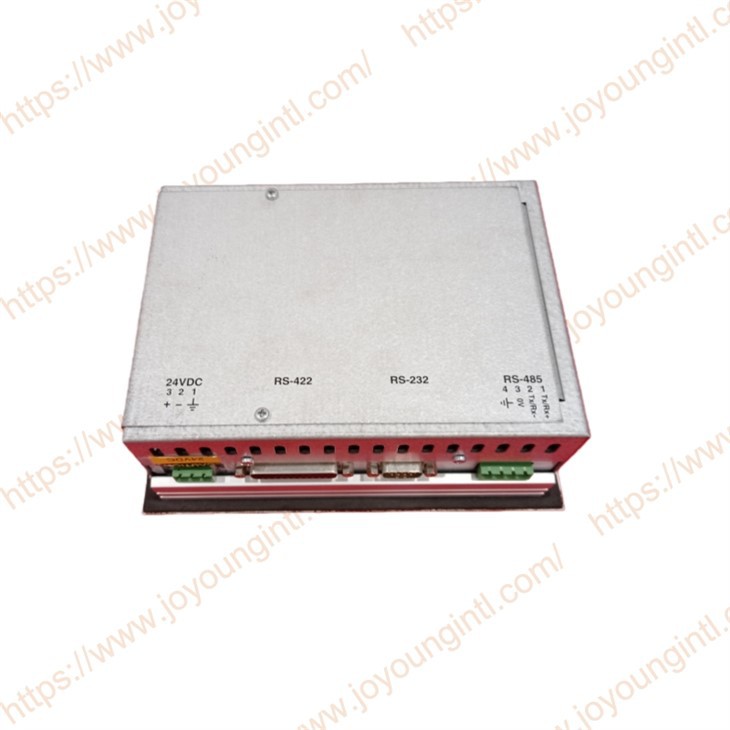
Process Panel 325 (PP325 3BSC690101R2) Features:
* **Human-Machine Interaction:
** Built-in text display and control, dynamic indicators, time channel, alarm handling, and recipe management functions meet the operation and monitoring needs of industrial sites.
* **Operation Logic:
** Adopts an object-oriented approach with clear interface logic, making it easy for operators to understand and use.
* **Configuration Method:
** Projects can be configured via the Panel Builder tool on a PC. After configuration, the project can be transferred and stored in the operation panel for convenient and flexible adjustments.
* **Physical Characteristics:
** The touchscreen layer structure contains air. Air bubbles may appear in extreme environments, but this is only a cosmetic issue and does not affect the device's functionality.
Safety precautions
General
Read the safety precautions carefully.-
Check the delivery for transportation damage. If damage is found, notify the supplier as soon as possible.- The terminal fulfils the requirements of Article 4 of the EMC Directive 89/336/EEC. Do not use the terminal in an environment with high explosive hazards.- The supplier is not responsible for modified, altered or reconstructed equipment.- Use only parts and accessories manufactured according to the specifications of the supplier.
Read the installation and operating instructions carefully before installing, using repairing the terminal.
Replacing the battery incorrectly may result in an explosion. (Only use batteries recommended by the supplier.
Never pour fluids into any openings in the terminal. This may cause fire or electrical shock.
-Only qualified personnel may operate the terminal.
During installation:
- The terminal is designed for stationary installation on a plane surface. Put the terminal on a stable surface during installation. Dropping it or letting it
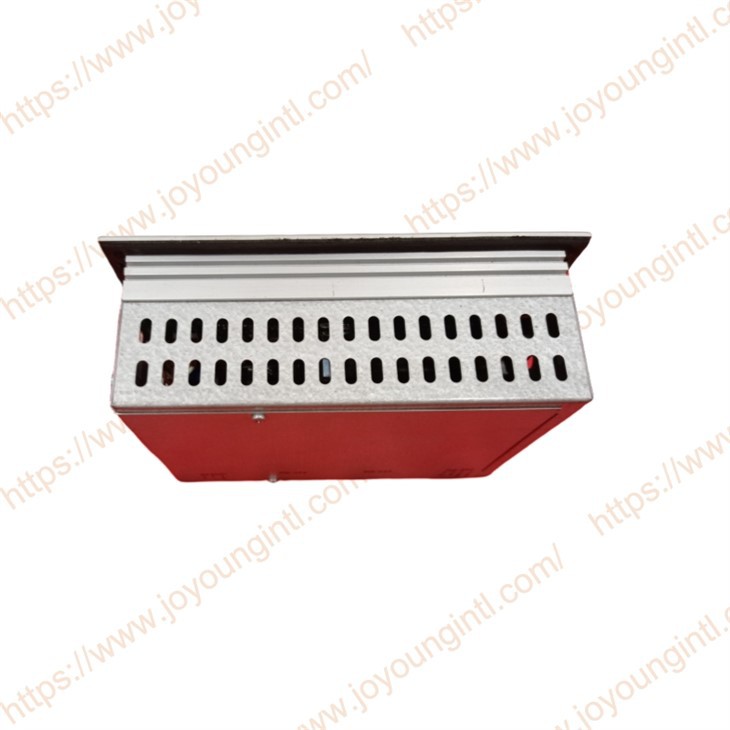
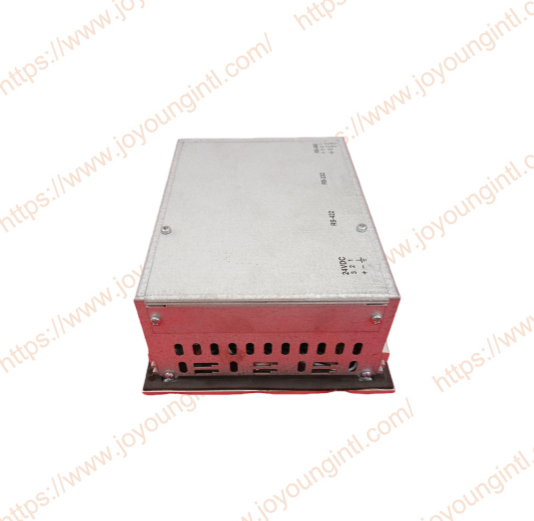
fall may cause damage.- Install the terminal according to the accompanying installation instructions.-(round the terminal according to the accompanying installation instructions.- Only qualified personnel may install the terminal.-Separate the high voltage, signal and supply cables.- Make sure that the voltage and polarity of the power source are correct before connecting the terminal to the power outlet. The openings in the enclosure are for air convection. Do not cover these openings.
- Do not place the terminal where it might be exposed to strong magnetic fields.
-Do not install the terminal in direct sunlight.- Peripheral equipment must be appropriate for the application. Some terminal models have a laminated film over the display to reduce the risk of scratches. To avoid static electricity that might damage the terminal, carefully remove the film.UL
Installation, input and output (I/O/) wiring must be in accordance with Class Division 2 wiring methods (Article 501-4 (b) of the National Electrical Code, NFPA7())and in accordance with the authority having jurisdiction.
During use
- Keep the termincleanean.
Emergency stop and other safety functions may not be controlled from the terminal.
- Do not touch the keys, displays, etc., with sharp objects.
-In case of backlight failure, the terminal is still operable and registers button presses and input via the touch screen.
Service and maintenance agreed warranty applies.- Clean the display and face with a soft cloth and mild detergent.-Only qualified personnel should carry out repairs.
Dismantling and scrapping-The terminal or parts thereof shall be recycled according to local regulations. The following components contain substances that might be hazardous to health and the environment: lithium battery, electrolytic capacitor and display.